
SaaS Design
Dashboard Design
UX
Behance
Dribbble
Running a restaurant is operationally dense. Orders, reservations, revenue, staff, menu performance, all moving simultaneously, all needing attention at different cadences. Most restaurant management software handles this by cramming everything onto one screen and calling it a dashboard. Venu was designed to actually solve that problem: a SaaS dashboard that gives restaurant operators a clear, real-time view of their business without requiring a training manual to use.
The goal was to bring modern SaaS design standards into a product category that has been visually neglected for years.
Restaurant operators aren't sitting at a desk with time to analyze data. They're on the floor, in the kitchen, managing people and problems in real time. The dashboard has to communicate the right information at a glance, not after three clicks and a filter.
The harder design problem: a restaurant generates multiple data types that don't naturally live together. Sales figures, table occupancy, order status, peak hour trends, these belong to different mental models. Designing a layout that surfaces all of it without creating visual noise is genuinely difficult. Most solutions default to card grids that look organized but require the user to read everything before they know what matters.
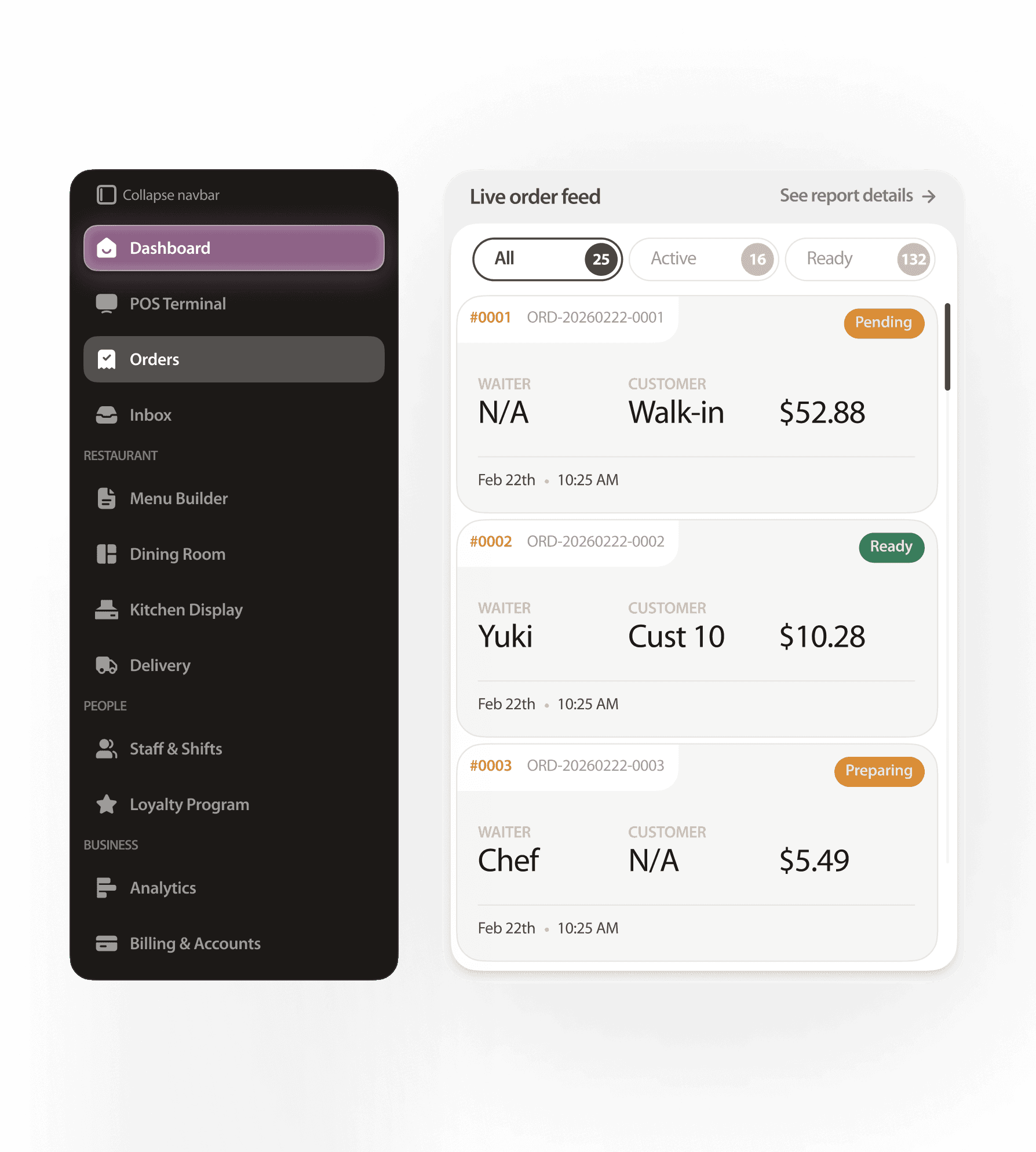
Venu's design is built around decision hierarchy, not data completeness. The layout prioritizes what a restaurant operator needs to act on right now, followed by what they need to track over time. High-signal metrics, revenue, covers, order volume sit at the top of the visual hierarchy. Supporting data lives below, accessible but not competing for attention.
The visual language is clean and modern, dark-accented UI with clear typographic scale, data visualization that communicates trend direction instantly, and a component system that feels like a product built for professionals, not a spreadsheet in disguise. The SaaS framing is intentional: Venu is designed to feel like software operators would actually pay for, not a feature bolted onto a POS system.
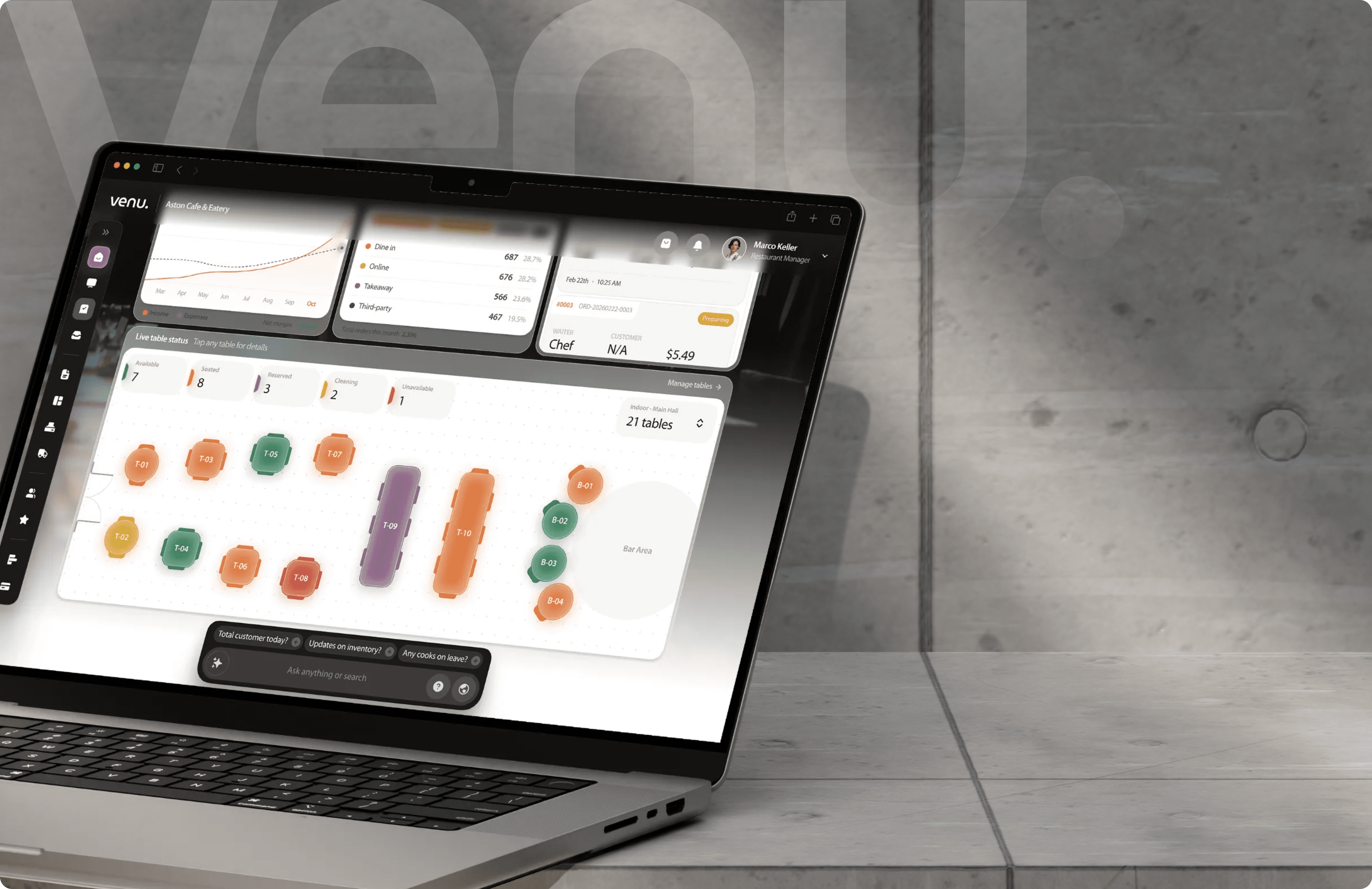
Venu demonstrates one of the harder skills in product design making complex operational data feel simple without hiding its depth. The dashboard works as a portfolio piece because it shows UX judgment, not just visual polish: what to show first, what to deprioritize, how to structure a layout for a user who has thirty seconds to make a decision.
For the SaaS market it targets, that clarity is the product. Operators don't switch software because a competitor has more features, they switch because a competitor makes them feel less overwhelmed. Venu is designed to win on that.